
Veo 3.1
Veo 3.1
High-quality video generation available in the SeeVideo AI creative workspace for SeeVideo AI creators
Explore More
SeeVideo AI brings leading video and image models into one SeeVideo AI creative workspace
High-quality video generation available in the SeeVideo AI creative workspace for SeeVideo AI creators

Generate and edit images with Nano Banana 2 in the SeeVideo AI workspace.
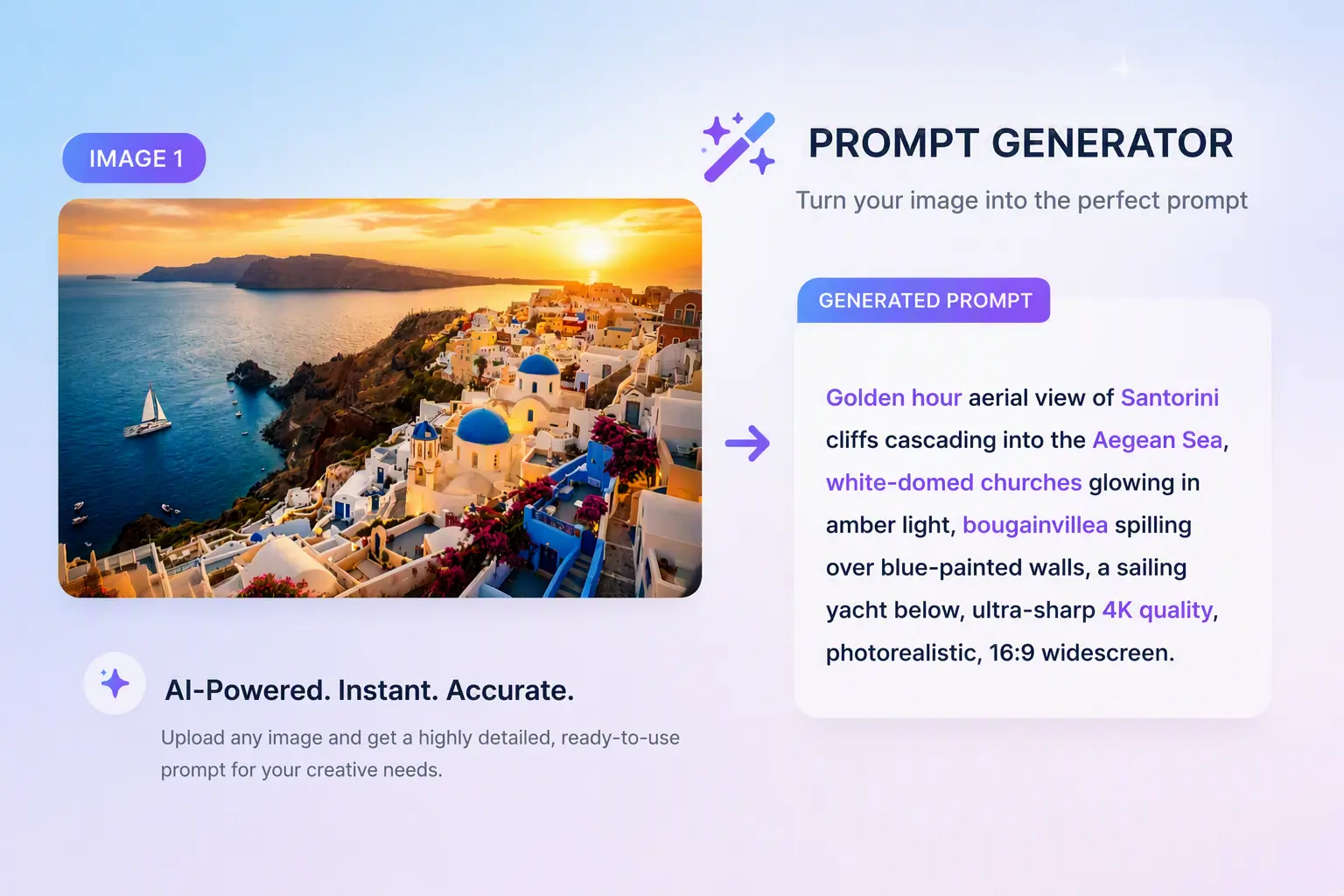
Turn an idea and supported image, video, or audio references into a detailed prompt for your chosen image or video workflow.
Core Features
Turn ideas into videos, guide generation with references, or refine an existing clip with the supported model.

Use Seedance 3.0 to edit a source video or extend a clip. Describe the desired changes and provide the references required by the selected mode.
Source clip: a rider approaching a bridge. Extend it as the bridge collapses in fire and smoke behind him.
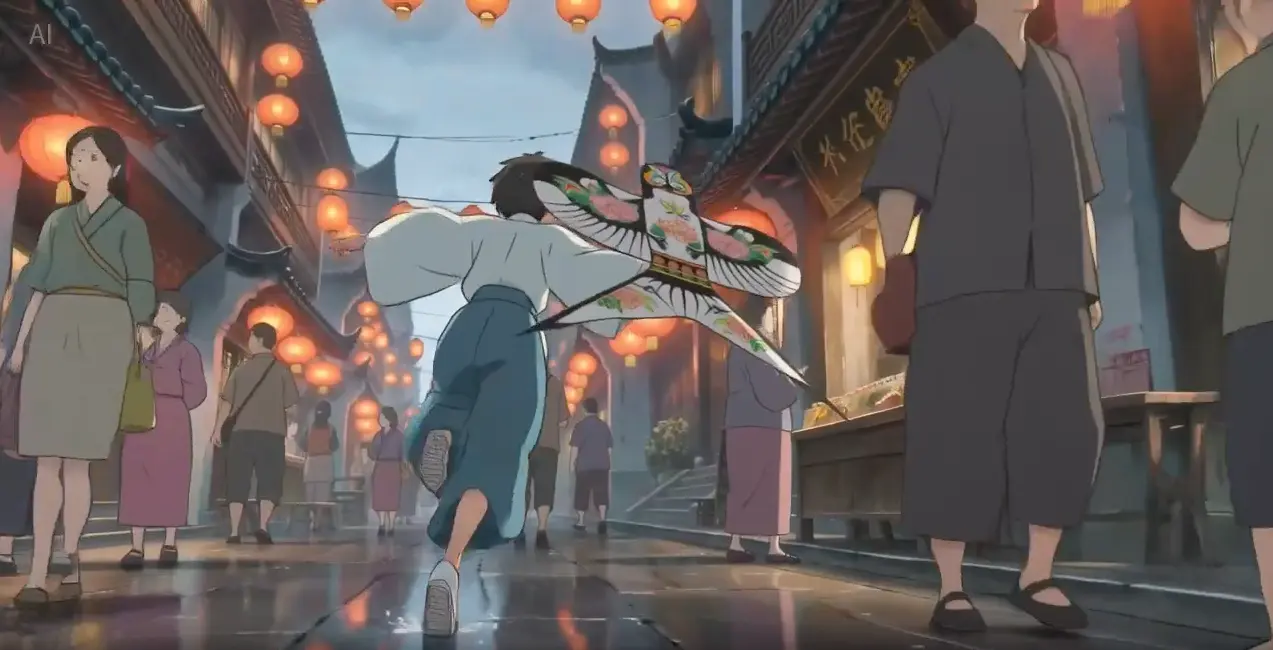
Guide Seedance 3.0 generation with reference images, video, and audio. Available inputs and limits depend on the mode you choose.
Style reference: a Japanese ink-wash painting. Animate a warrior leaping across snow-dusted rooftops as a fan dances behind him.
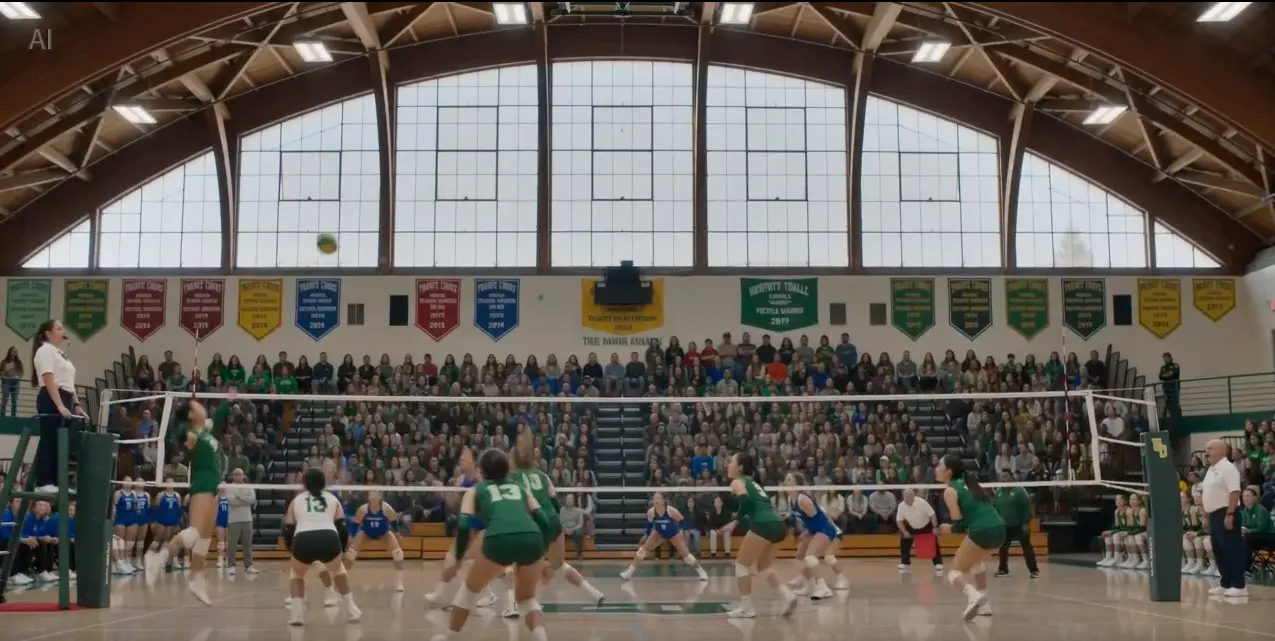
Describe your idea to generate a video, or upload an image as the starting frame to bring it to life with Seedance 3.0. Available settings depend on the mode you choose.
Volleyball match in a packed gym: a spike at the net as the crowd roars. Fast-paced sports action, natural lighting.
Model Capabilities
Explore editing, multimodal references, and longer video creation on SeeVideo AI.

Give your ideas more room to unfold. Generate up to 30 seconds of video in a single run on SeeVideo AI, with time to develop an action, introduce a product, or build a short story.
Start Generating Video
Give each reference a role in your creative brief: images for characters, products, and visual style; video for movement, composition, and camera direction; audio for the sound you have in mind. Combine supported references in SeeVideo AI and describe how they should guide the result.
Start Generating Video
Upload a source video to SeeVideo AI and describe the action, framing, or scene details you want to change. Choose editing to refine the clip, or extension to develop what happens before or after it.
Start Generating VideoApplication Scenarios
See How SeeVideo AI Transforms Workflows Across Industries

Use SeeVideo AI to storyboard and pre-visualize scenes, create B-roll, or explore short-film ideas with Seedance 3.0. Use the supported editing modes to refine a source clip.
Start Creating with SeeVideo AI
With SeeVideo AI, teams can create video ads, product demos, and social media content using Seedance models. Supported references help guide the visual direction and sound.
Try SeeVideo AI for Marketing
Combine supported image, video, and audio references to develop creative briefs on SeeVideo AI. Use Seedance 3.0 for generation, editing, and extension workflows.
Explore SeeVideo AI FeaturesTestimonials
What our creators are saying
Aria Johnson
Music Video Creator
"What sets Seedance 3.0 apart is native audio-video generation. The multi-track soundscapes it creates are perfectly synced from the start."
Jordan Park
Social Media Storyteller
"Creating multi-shot narratives used to mean hours of editing. With SeeVideo AI, I use Seedance 3.0 to generate coherent sequences with consistent characters, visual style, and synchronized audio."
Dr. Priya Sharma
Commercial Producer
"Seedance 3.0 gives me precise control over camera movements, lighting, shadows, and performance, much like directing a real shoot for product commercials."
Chloe Martinez
TikTok Content Creator
"Seedance 3.0 fits my social content workflow. Multi-shot sequences with rhythmic audio alignment help me react to trending topics in minutes, not hours."
Leo Wu
Motion Graphics Artist
"When I need complex physics simulations or intricate scene lighting, Seedance 3.0 is my go-to for realistic interactions and cinematic lighting."
Isabella Moreno
Photo Retouching Specialist
"Nano Banana's AI-powered editing capabilities handle complex transformations while maintaining photographic integrity. For heritage restoration and professional retouching, the precision is unmatched."
FAQ
Everything you need to know about SeeVideo AI video and image generation
SeeVideo AI is an independent all-in-one AI platform for video and image generation. We are not affiliated with or operated by OpenAI, Google, ByteDance, or any other AI model providers.